Encrypted backup for your Mac

Your Mac, backed up. Quietly, encrypted, off-site.

Remaneo lives in your menu bar and keeps an encrypted copy of your files in EU cloud storage. Set it up once in five minutes — then it just runs.

macOS 14+ · Apple Silicon · launching soon
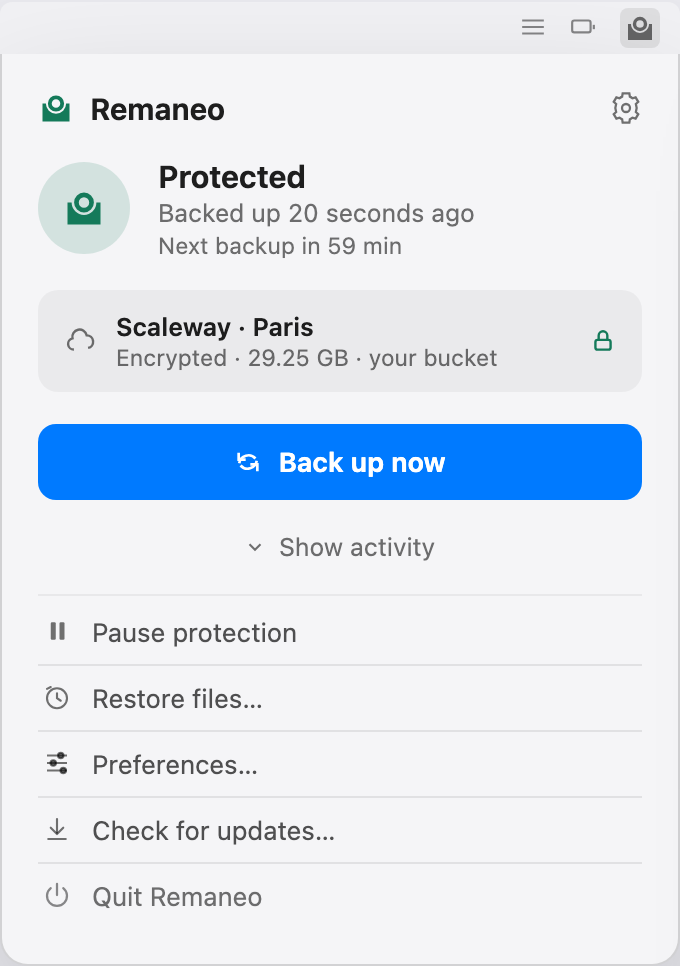
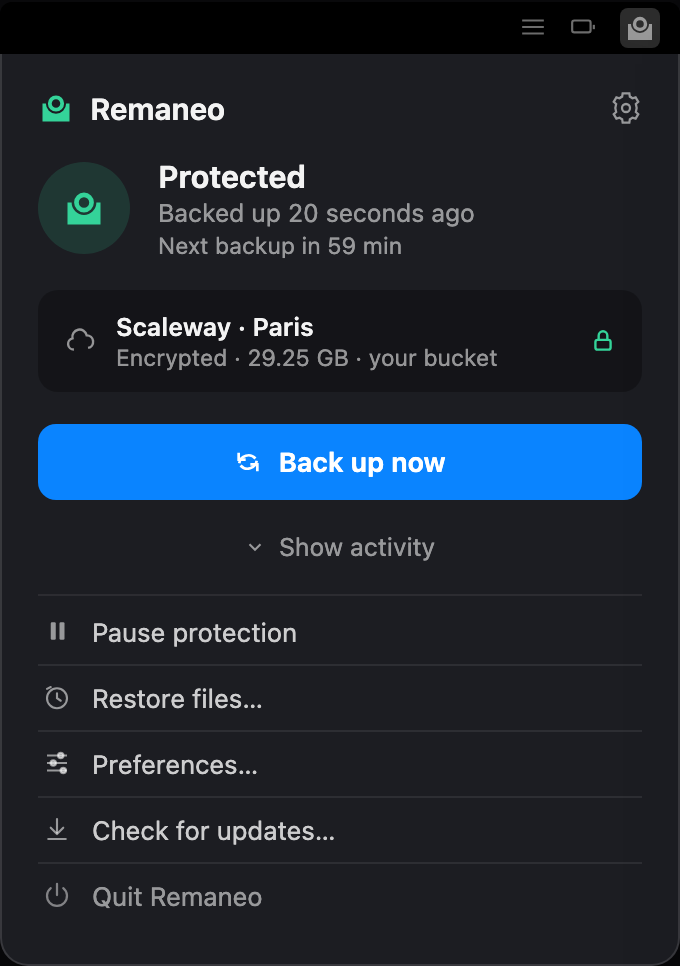
The Remaneo menu bar popover showing Protected status, the last backup 20 seconds ago, the encrypted Scaleway destination, and a Back Up Now button

The whole product is this one panel. No window, no dock icon — a glyph in the menu bar that turns while it writes and is otherwise still.

Your bucket. Your keys. Restorable without us.

Scaleway · Paris, Amsterdam or Warsaw

What Remaneo does

Restorable without us

Your backups are a standard restic repository — an open, publicly documented format, read by free open-source software. You or your IT department can restore everything without Remaneo, without a license, and without us still existing.

Encrypted before it leaves your Mac

Everything is encrypted on your machine before upload. Nobody but you can read your data — not even the storage provider.

Stored in the EU

Your backups live in Scaleway object storage in Paris, Amsterdam, or Warsaw. Your bucket, your keys, your data.

Set-and-forget scheduling

Hourly to daily, battery-aware, and running even when the menu bar app is closed. Catches up after sleep and waits out offline periods on its own.

Restore anything, anywhere

Browse snapshots like folders and restore single files or whole directories — with sensible conflict handling when files already exist.

Backups you can trust

Automatic integrity checks verify your backups are actually restorable. When something goes wrong, you get a plain-language reason — never a raw error dump.

Everything at a glance

One click on the menu bar icon shows what matters: how much is protected, your recent backups, the result of the latest integrity check — and what the storage actually costs you per month, paid directly to Scaleway.
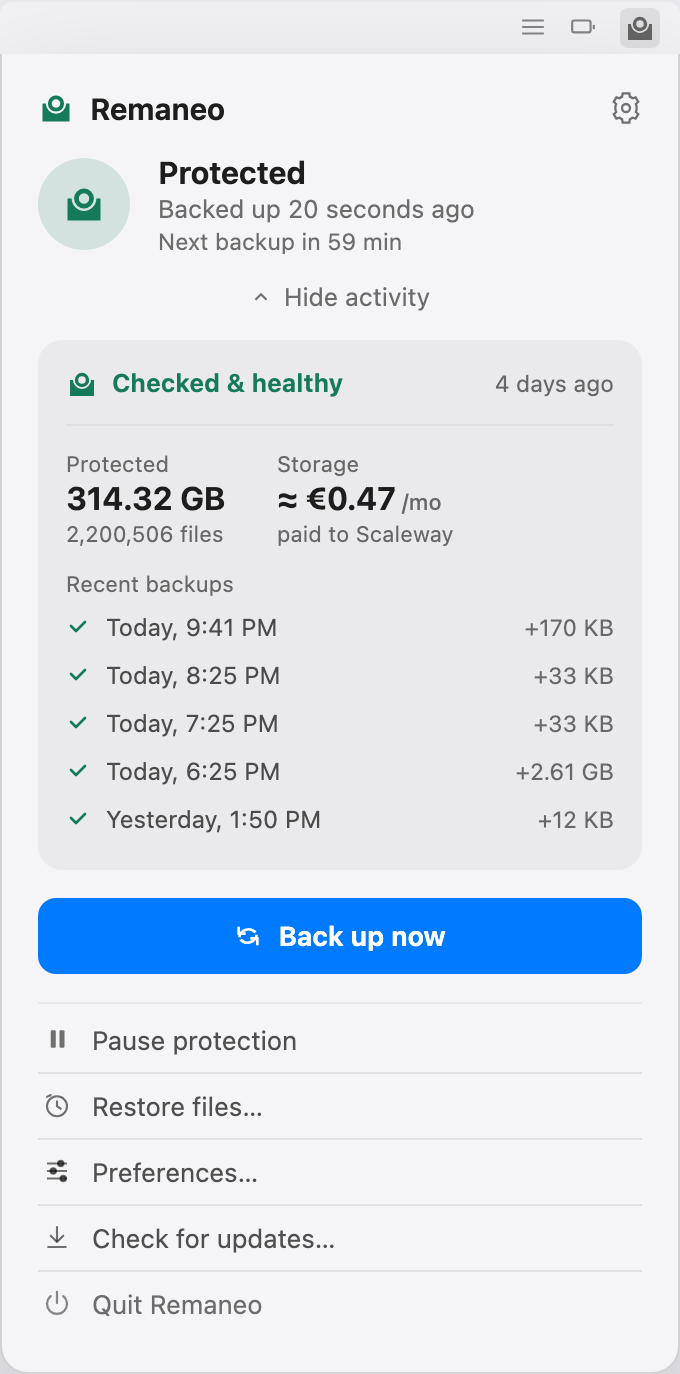
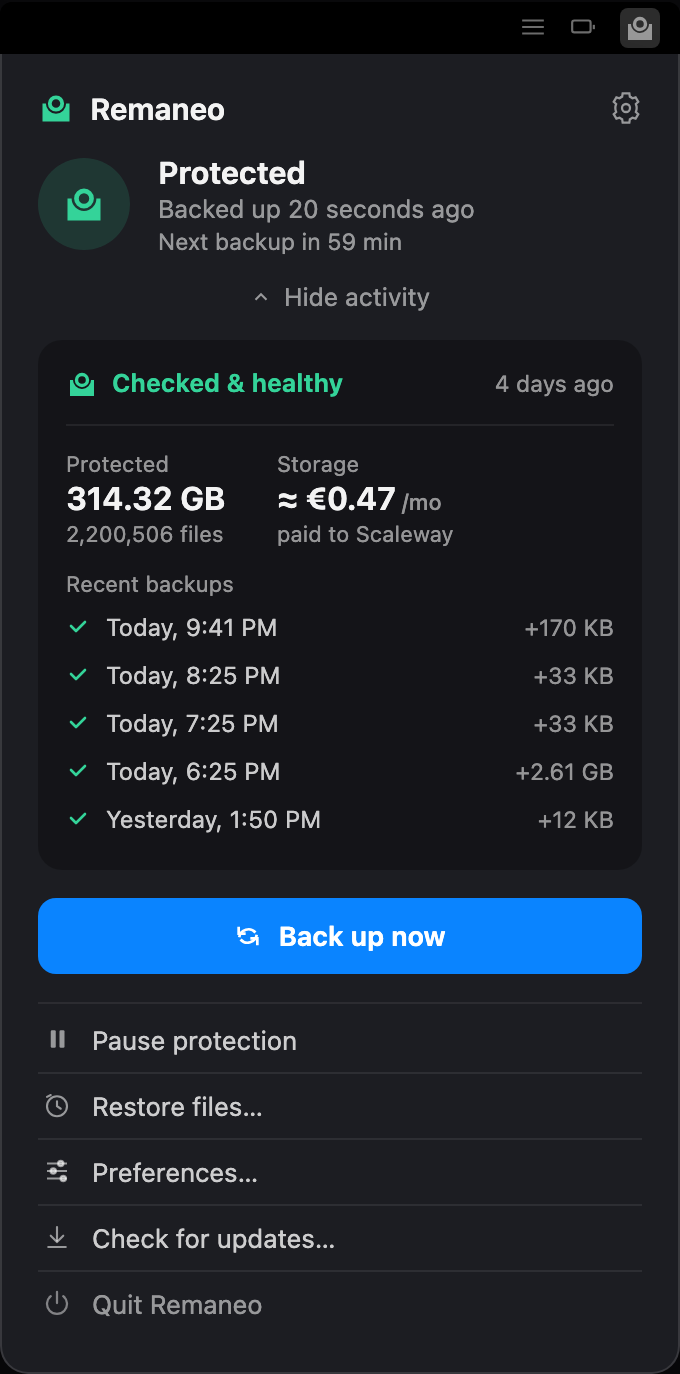
The expanded Remaneo popover showing two figures side by side: 314.32 GB protected across 2,200,506 files, and storage at an estimated €0.47 per month paid to Scaleway — the bill is for the deduplicated, compressed bucket, not the protected size — above a healthy integrity check and a list of recent backups

Going back in time is a file browser

Every backup is a snapshot you can open like a folder. Pick a point in time in the sidebar, tick the files or folders you need, and restore them to their original place or anywhere else.
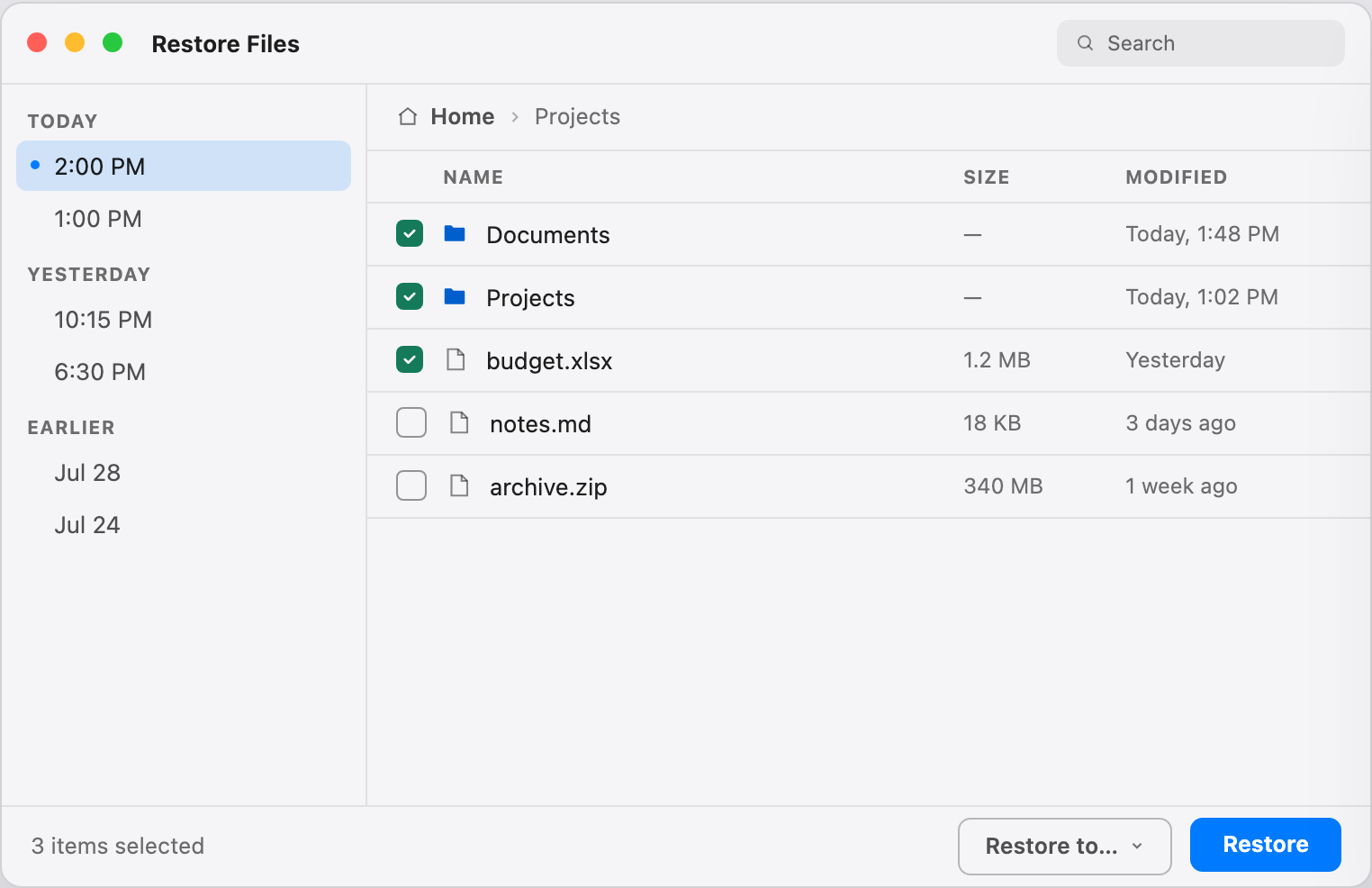
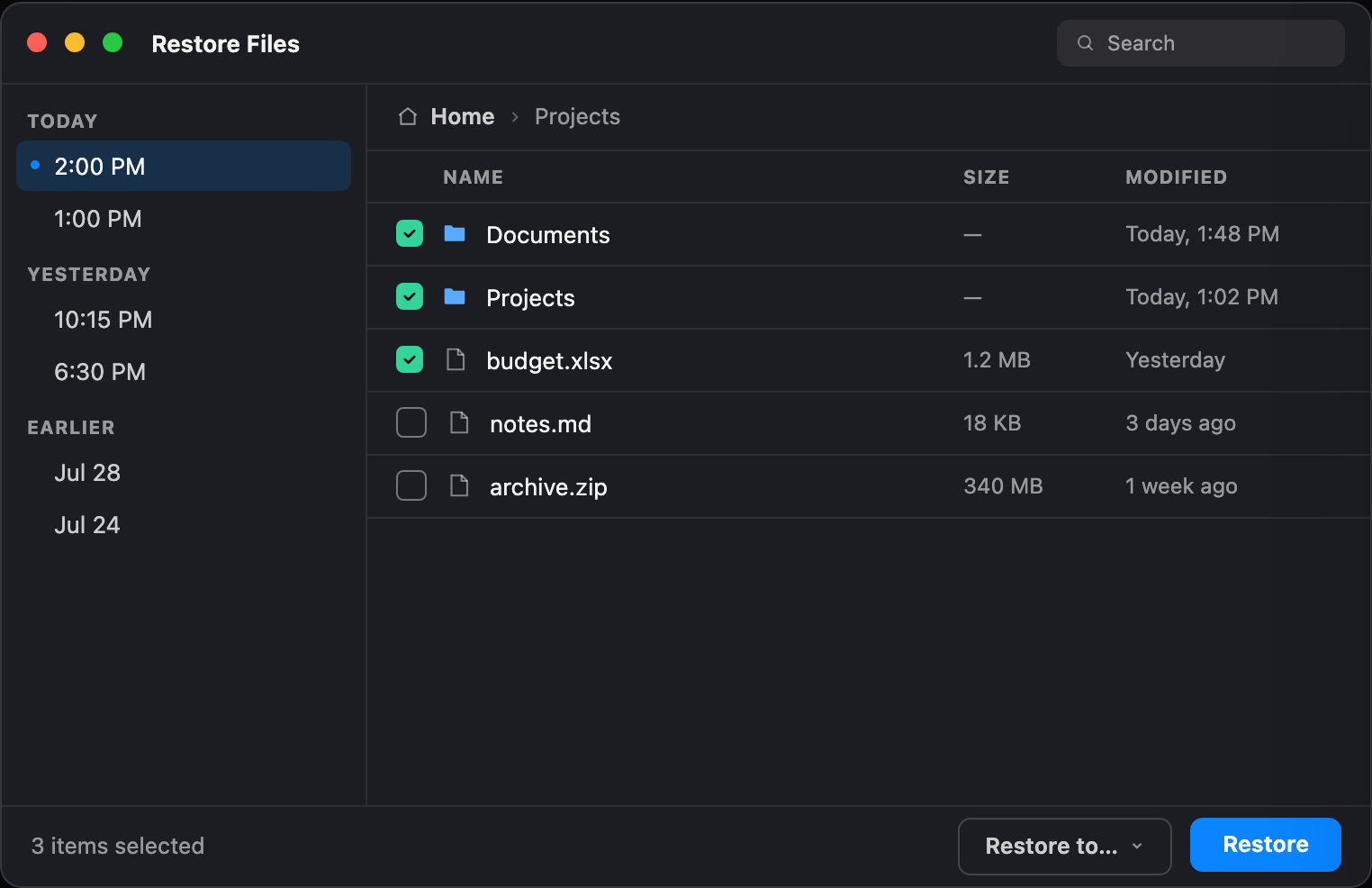
The Remaneo restore window with snapshots grouped by day in a sidebar and a file listing with checkboxes, three items selected for restore

How it works

1

Connect your bucket

Point Remaneo at your own Scaleway object storage bucket — the setup guide walks you through creating one, from account to keys, in about ten minutes. Your encryption password stays in your Mac’s Keychain and never leaves your machine.
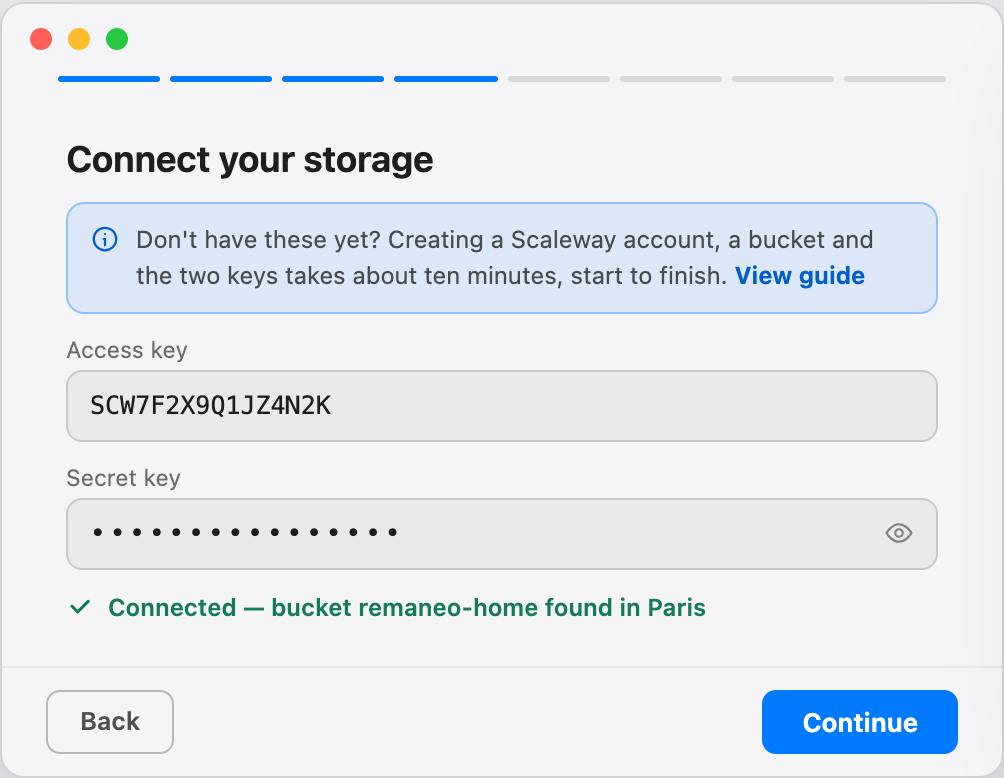
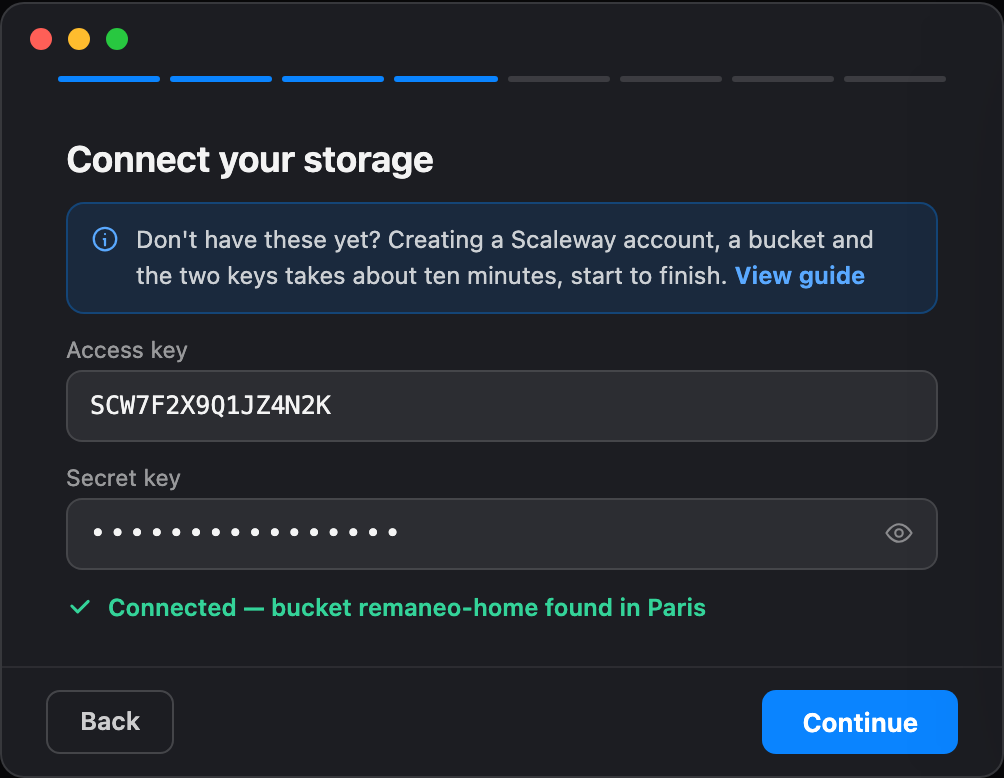
Onboarding step: Connect your storage, with access and secret key fields and a confirmation that the bucket was found in Paris
2

Choose what to back up

By default Remaneo protects your entire home folder minus the noise — caches, trash, node_modules, VM images. Fine-tune the scope anytime from Preferences.
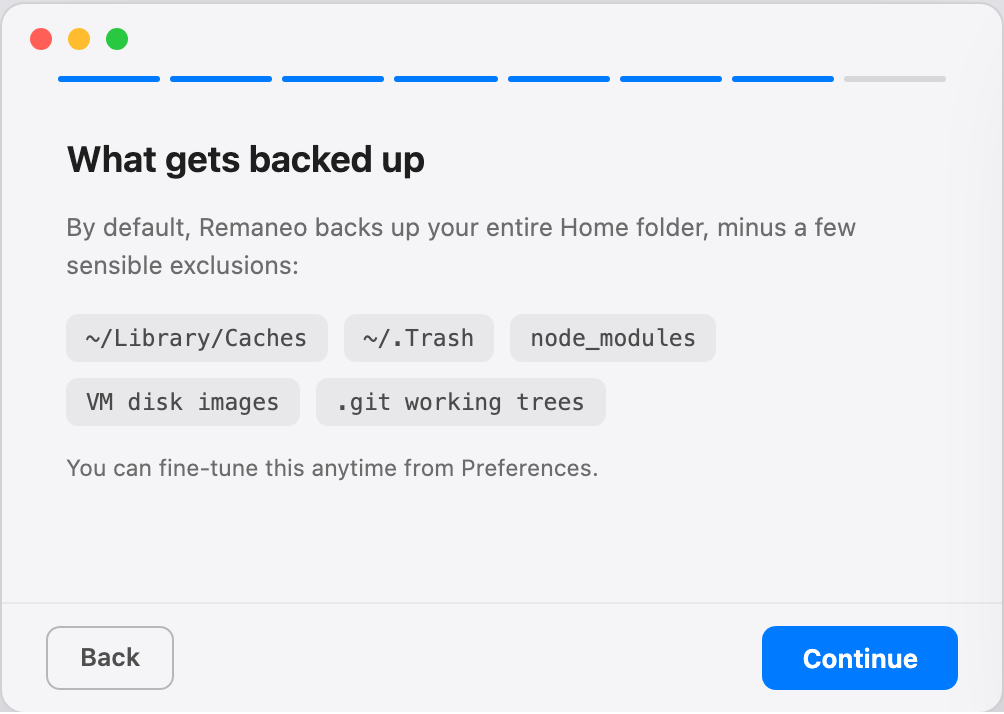
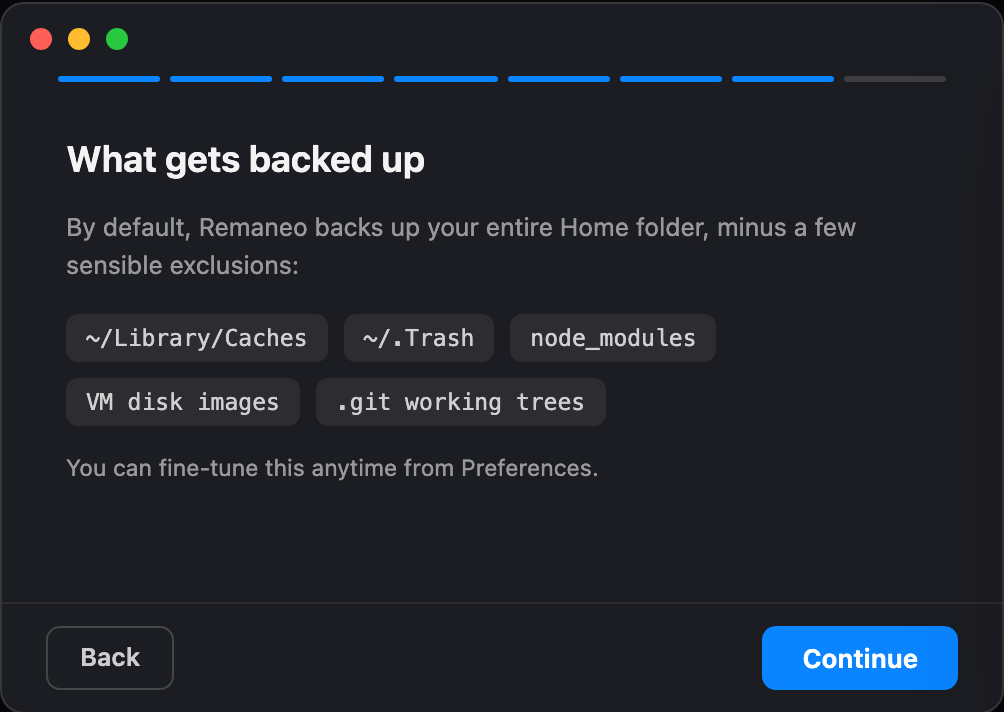
Onboarding step: What gets backed up, listing default exclusions like caches, trash, and node_modules
3

Protected

That’s it. Your first backup starts right away, and from then on Remaneo backs up on schedule, checks integrity, and shows its status in the menu bar. You only hear from it when something needs you.
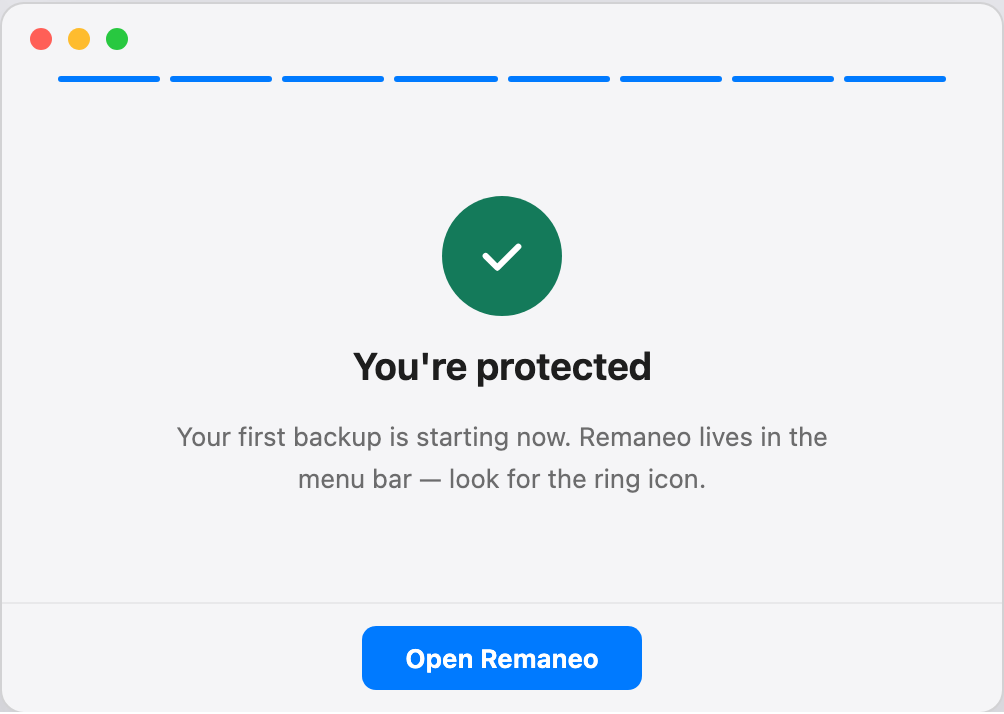
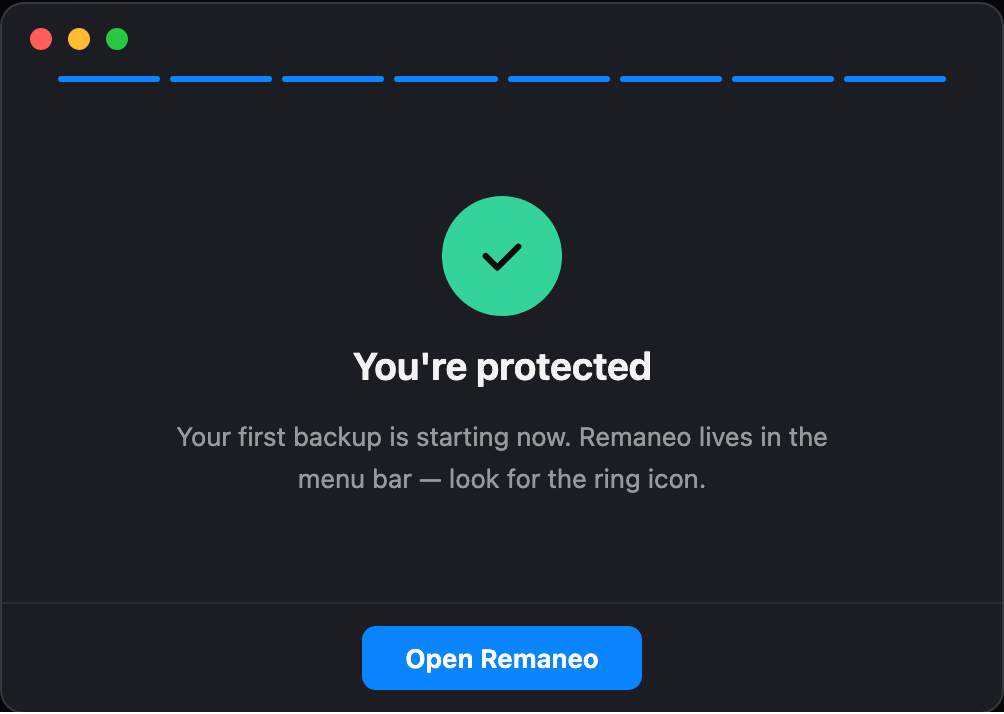
Onboarding final step: a green checkmark with the message You’re protected — your first backup is starting now

Frequently asked questions

Changelog

v1.0.0majorComing soon
  • Encrypted backups to your own Scaleway bucket, powered by restic
  • Menu bar app with a five-minute guided setup
  • Restore window: browse snapshots, restore files or folders
  • Battery-aware scheduling with a background agent
  • Automatic backup integrity checks
  • English and German localization
  • Automatic app updates via Sparkle